Verizon Cloud - Website - Sync Contacts
Here's how to sync contacts with your device via the Verizon Cloud website.
Check out the Verizon Cloud FAQs to learn more.
- The device must be turned on prior to syncing the contacts.
- Only compatible info is synced to the device.
- From a web browser on a computer, sign in to My Verizon.
- Navigate: .
- From the 'Verizon Cloud' section, clickManage.
- ClickAccess Verizon Cloud.
- From the 'How to access Verizon Cloud' page, clickVerizon Cloud web portal(in the 'Access my Cloud' section).
- ClickContacts(at the top).
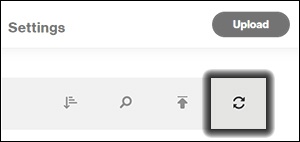
- Click theSync icon.
- ClickDone.