Push To Talk Plus - Send a Location Attachment
Here's how to share your Push To Talk Plus location.
- Ensure the PTT+ app has been updated to the most recent version for Android™ or iOS.
- Pictures, video, location, voice messages or PDF files are sent by attachment.
- Usage of the PTT+ app requires GPS.
Send a Location From Ready
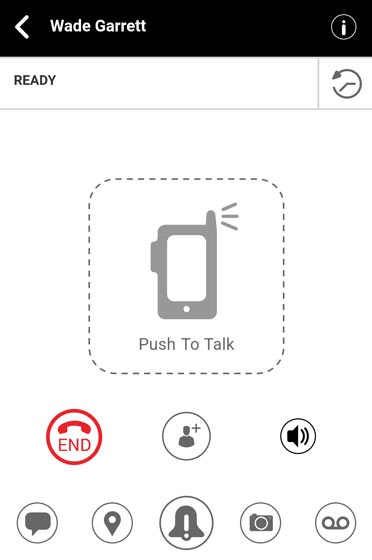
- From the Ready screen, tap theLocation icon
.
Alternatively, tap theHistory iconthen tap the
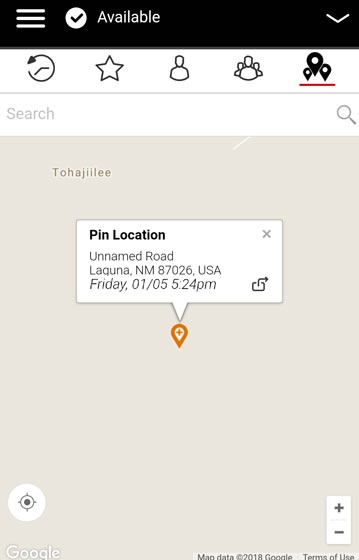
Location icon - From the My Location screen, tap theMap pin icon
.
Alternatively, use the search box, zoom and swipe to pinpoint an alternate location to share. - Tap theShare icon
to send your location.
Send from the Location Tab
- Tap theLocation Tab
.
- From the My Location screen, use the search box, zoom and swipe to pinpoint an alternate location to share.
- Tap theShare icon
- Forward to Contact
- Forward to Quick Group
- Forward to Group.