Push to Talk Plus - Send a PDF File Attachment
Here's how send a PDF using Push to Talk Plus.
- Ensure the PTT+ app has been updated to the most recent version for Android™.
- Pictures, video, location, voice messages or PDF files are sent by attachment.
- Attachement(s) are limited to 20MB per message.
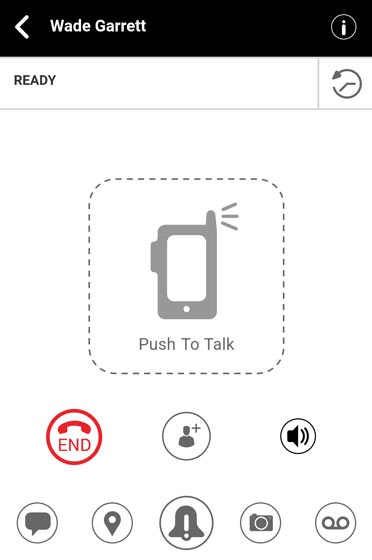
- From the Ready screen, tap theHistory icon
.
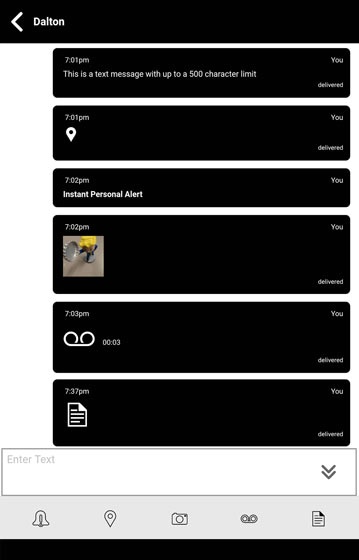
- From the threaded call history, tap thePDF File icon
- Locate then tap the appropriate PDF file(s).
- From the Confirm prompt, tapOkto send.