Push To Talk Plus - Send a Text Message
Here's how to send a Push To Talk Plus text message.
- Ensure the PTT+ app has been updated to the most recent version for Android™ or iOS.
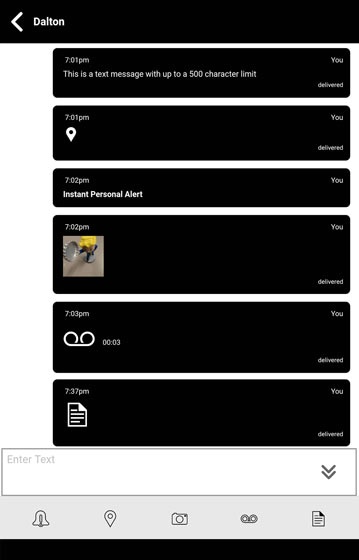
- Pictures, video, location, voice messages or PDF files are sent by attachment.
- Text message length is up to 500 characters and you cannot continue typing once that's been reached.
Send a Message
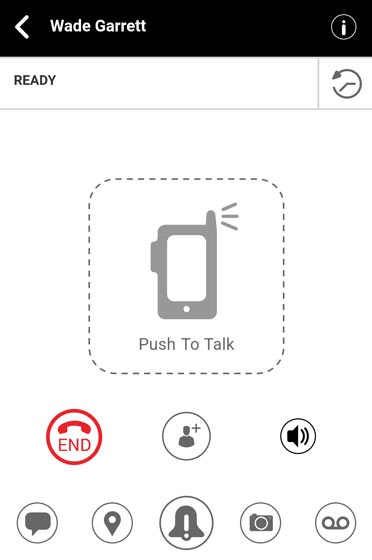
- From the Ready screen, tap theMessage icon
.
Alternatively, tap theHistory icon.
- From the Enter text field, enter your message.
- Tap theSend icon
.
Send a Quick Text
- From the Ready screen, tap theMessage iconAlternatively, tap theHistory icon
- From the Enter text field, tap theQuick message icon
.
. - From Select Quick Text, tap the appropriate Quick text message then tap theSend iconAlternatively, tapAdd Quick Text, enter a predefined message then tap theSave icon
to confirm and
Doneto exit edit mode.