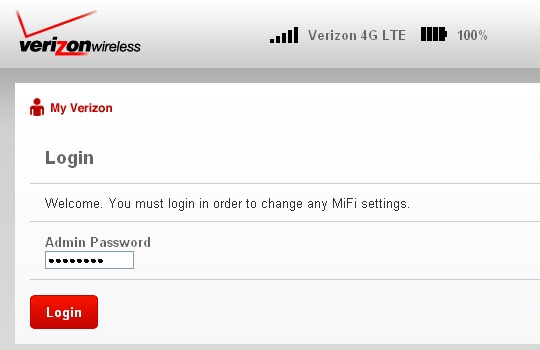
Sign in to the Admin Page - Verizon Jetpack® 4G LTE Mobile Hotspot MiFi® 4620L
Here's how to navigate to the admin page for your Verizon Jetpack - MiFi 4620L.
The admin page is used to customize the device settings and manage the device password.
- Establish a Wi-Fi network connection with a device (e.g., computer, smartphone, tablet, etc.).The default SSID and Wi-Fi Password are printed on the sticker inside the battery door or can be found through the device menu.If connecting to a computer, select the appropriate operating system for assistance connecting to Wi-Fi:
- From the device that's connected to the Jetpack, open a web page then enter192.168.1.1into the URL address field.If the admin page does not appear, refer to step 1.
- Enter the password then clickLogin.If the password is unknown, performing a hard reset restores to the default settings found on the device menu.