Care Smart watch - Create and Send a Text Message
Here's how to create and send a text message on your Care Smart watch.
- The Care Smart watch can only text (preloaded message) or call contacts setup through the Care Smart app by designated administrators.
- In the Care Smart app, each message is displayed in a chat bubble and is timestamped.
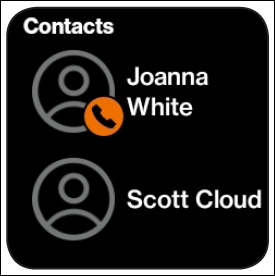
- From the main screen, swipe left then tap the desired contact.To add a contact, refer to Add a Contact.
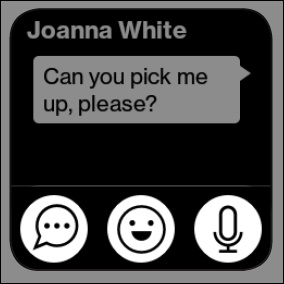
- Tap theMessaging icon
.
You can choose between sending an emoji, voice message, or quick message. - Do any of the following:
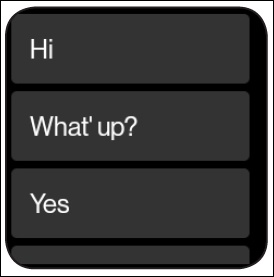
- Tap theMessage icon
to choose from a list of pre-written messages.
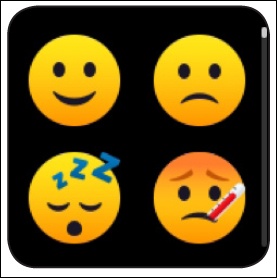
- Tap theEmoji icon
to send an emoji.
The Care Smart watch can only send one emoji per message. - Tap theMicrophone icon
to record a message.