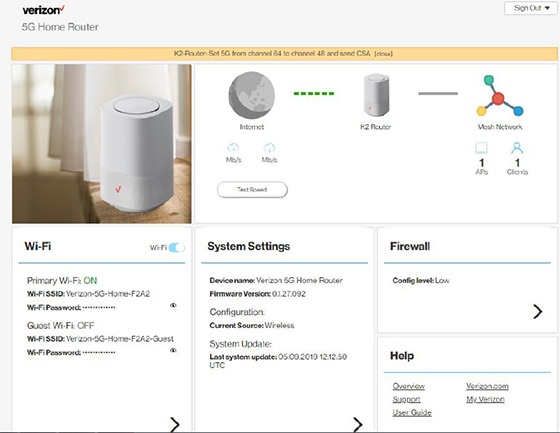
5G Home Router - View Wi-Fi Name and Password
Here's how to find the Wi-Fi password / key for the 5G Home Router.
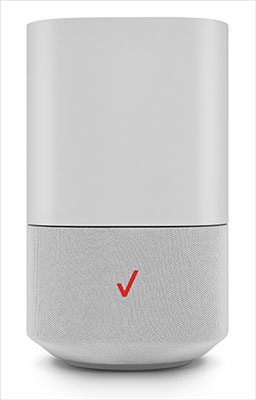
- This content is for 5G Home Internet. Here's info on Fios Home Internet.
- 5G Home Internet service is currently offered in specific areas. Here's how to check for 5G coverage availability.
- The default SSID and Wi-Fi password are printed on the external label.
- Wi-Fi Network Name / SSID - Name that identifies the wireless network.
- Wi-Fi Password - Password needed to connect to the Wi-Fi network.
- If the Admin password is changed and forgotten, restore the device to default settings and connect using the credentials printed on the external label.
- Sign in to the Admin WebGUI.
- From the Router Home screen, locate the Wi-Fi section and view the following:
- Wi-Fi name (SSID)
- Wi-Fi PasswordClick theView icon
to display the current password.