One Talk Portal - Delete Group
Here's how to delete groups in the One Talk Portal.
Refer to the One Talk admin portal simulator for interactive demonstrations.
Only groups with zero members can be deleted.
- Sign in to My Business.
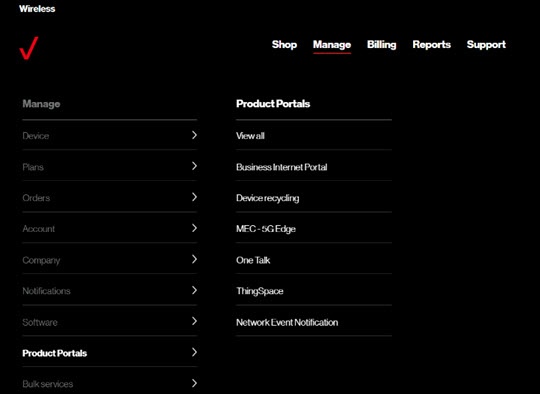
- ClickManage(top of screen).
- Mouse overProduct Portalsthen clickOne Talk.If necessary, clickView all.
- From the 'I want to' section, clickManage all groups.
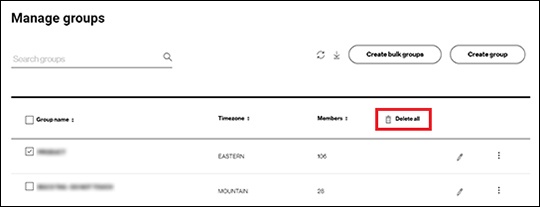
- Select the group(s) to be deleted then clickDelete all.Groups are selected when a checkmark is present.