One Talk Mobile App - Troubleshoot Call-Through Errors
Here's how to correct error messages that may occur while setting up One Talk Call-Through.
If you experience error messages when attempting to validate your mobile number at the following screen during Call-Through setup, follow the instructions below:
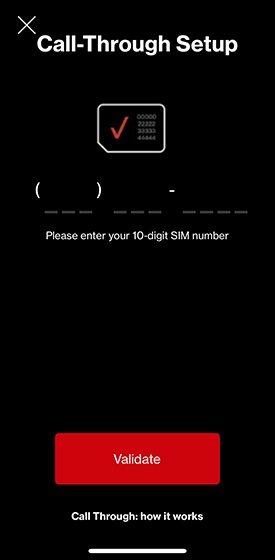
Generic error messages (e.g., An error occurred, please try again later, etc.)
- Close the One Talk app.
- Turn off Wi-Fi on your device.
- Ensure your device displays strong cellular signal.
- Open the One Talk app.
- Tap theMenu icon
(upper-left).
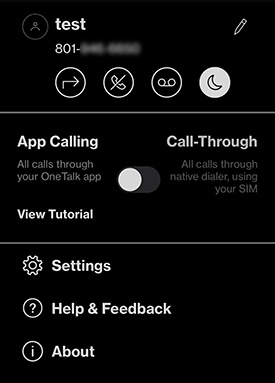
- Tap theCalling mode switch(center of the screen) to turn Call-Through on and reattempt setup.
Error: Call-Through is unavailable at this time
This error can occur if Call-Through was not turned off before changing devices or reinstalling the One Talk app.
- Install the One Talk app on a different device.
- Open the app then tap theMenu icon
- TapSettings.
- Navigate: .
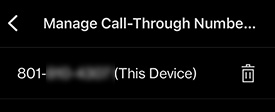
- Tap theDelete iconnext to the phone number for the device you want to remove.
- Close the One Talk app.
- On the device you want to use for Call-Through, reopen the app then tap the .
- Tap theCalling mode switchto enable Call-Through then reattempt setup.