Google Pixel Watch 2 - View Text Messages
Here's how to view text messages from your Pixel Watch 2.
Ensure your Pixel Watch 2 software is up to date as the steps below apply to the most recent version.
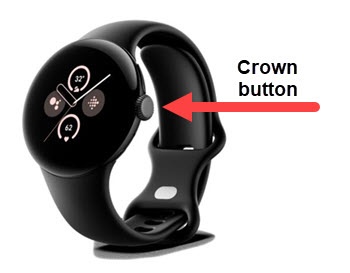
- From the Home screen, press theCrown buttonto open the apps screen.
- TapMessages.
- Swipe up or down to scroll through messages then tap the message thread you wish to view.