Google Pixel Watch 2 - Install Device Software Updates
Here's how to check for and install software updates on your Pixel Watch 2.
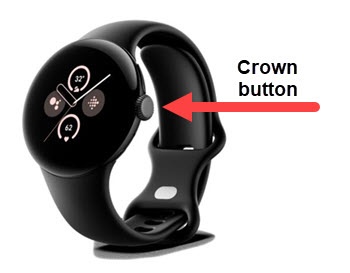
- From the watch screen, press theCrown buttonto open the apps screen.
- Navigate: .
- If an update is available:
- TapUpdate now.
- From the Watch software update' screen, tapInstall now.The software update process may take several minutes to complete.