Verifying Connected Networks - Macintosh®
Here's how to check the connection between your Macintosh computer and an internet-capable device.
Disconnects can occur if more than one network connection source is connected at the same time. Refer to Enabling / Disabling Network Connections - Macintosh for assistance with disabling a network connection.
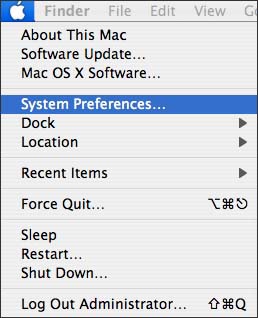
- From the Macintosh desktop, clickApple>System Preferences.
- From Internet and Network, clickNetwork.
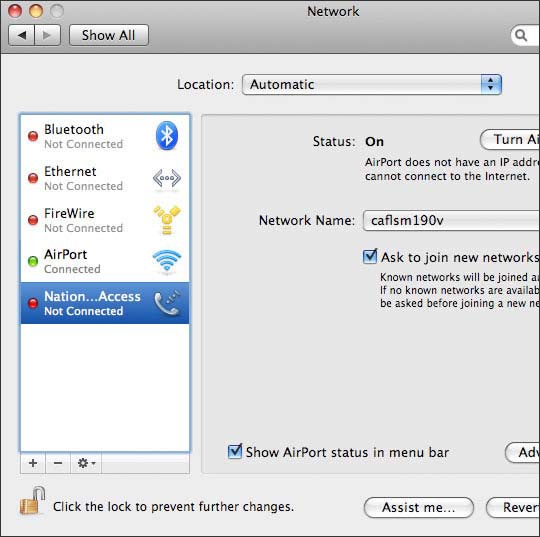
- Verify the status of the network connections.Possible status of the network connections:
- Connected/Not Connected
- On/Off