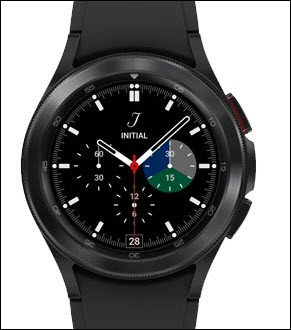
Samsung Galaxy Watch4 / Galaxy Watch4 Classic - Vibrate Mode
Here's how to change the vibration mode of your Galaxy Watch4 / Galaxy Watch4 Classic.
From your Android™ smartphone, ensure your watch's software is up to date as the steps below apply to the most recent version.
- From the watch screen, swipe up to open the apps screen.
- Tap theSettings icon
.
- TapSound and vibration.
- From the 'Sound mode' section, tapVibrate.
- Adjust any of the following as desired:
- To adjust the vibration pattern for an incoming call:
- TapCall vibration.
- Select desired vibration (e.g., Basic, Simple, etc.).Selected when a blue dot is present.
- To adjust the vibration pattern for a notification:
- TapNotification vibration.
- Select desired vibration (e.g., Basic, Knock, etc.).Selected when a blue dot is present.
- To adjust the intensity of the vibrations:
- TapVibration.
- Select desired duration and intensity (Strong, Light).Selected when a blue dot is present.