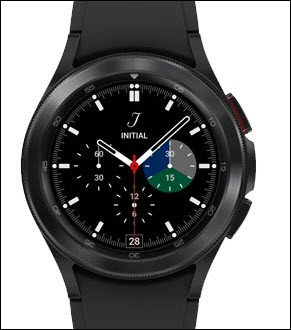
Samsung Galaxy Watch4 / Galaxy Watch4 Classic - Uninstall Apps
Here's how to remove or delete apps if your Galaxy Watch4 / Galaxy Watch4 Classic is unresponsive, freezes or an app won't open.
- From your Android™ smartphone, ensure your watch's software is up to date as the steps below apply to the most recent version.
- Apps included with the Wear OS byGoogle™ operating system may not have an uninstall option.
- From the watch screen, swipe up to open the apps screen.
- If necessary, swipe up to locate the app you want to uninstall.
- Touch and hold the app until 'Uninstall' appears on the watch face.
- TapUninstall.
- TapOKto confirm.