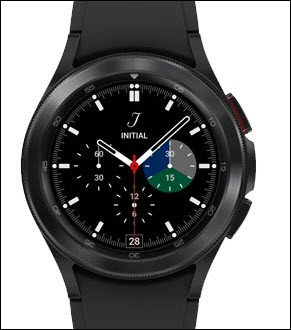
Samsung Galaxy Watch4 / Galaxy Watch4 Classic - Set Ringtones / Notification Sounds
Here's how to set or change ringtones for incoming calls / messages on your Galaxy Watch4 / Galaxy Watch4 Classic.
From your Android™ smartphone, ensure your watch's software is up to date as the steps below apply to the most recent version.
- From the watch screen, swipe up to open the apps screen.
- Tap theSettings icon
.
- TapSoundsand vibrationthen do any of the following:
- To adjust the tone for an incoming call:
- TapRingtone.
- Select the desired tone (e.g., Rising Star, Stairway, etc.).Selected a blue dot is present.
- To adjust the notification sound, tapNotification sound.Selected a blue dot is present.