MOTOROLA ONE 5G UW ACE - Activate / Set Up Device
Here's how to quickly set up your Motorola one 5G UW ace.
If you need to transfer contacts and media from one device to another, follow these step-by-step instructions before activating the new device.
To activate the device on prepaid service, refer to Set up Verizon Prepaid Service.
- Ensure a 5G SIM is inserted into the device prior to powering on.5G Devices purchased from Verizon include a pre-installed 5G SIM card.To avoid potential activation / service issues, don't insert a 4G SIM card.
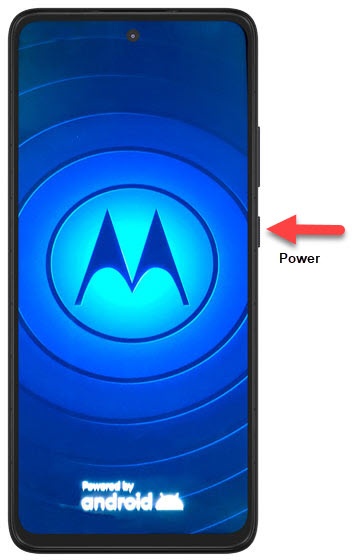
- If powered off, press and hold thePower buttonuntil the moto logo appears then release.
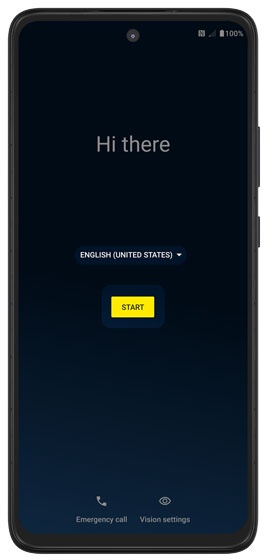
- Select the appropriate language then tapSTART.
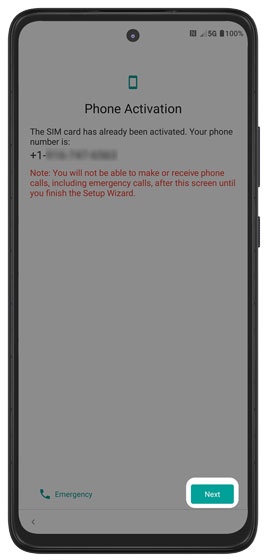
- Ensure the appropriate mobile number is listed then tapNext.If prompted, enter the account PIN then follow the onscreen prompts (see Account PIN FAQs for additional info).If activating a new phone, ensure the old phone is powered off.
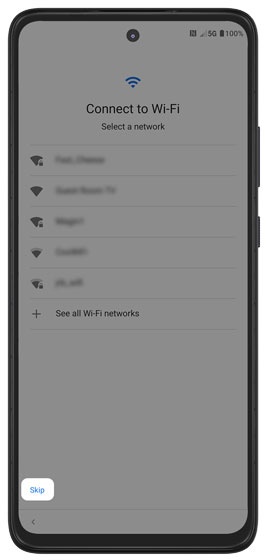
- Select a network then enter the password.TapSkipto add Wi-Fi networks after setup is complete.
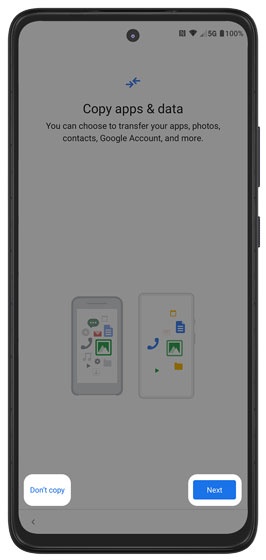
- If you'd like to restore your info from an old device, tapNext.If you'd like a fresh start, tapDon't copy.If troubleshooting, don't restore the device until all testing has been completed.
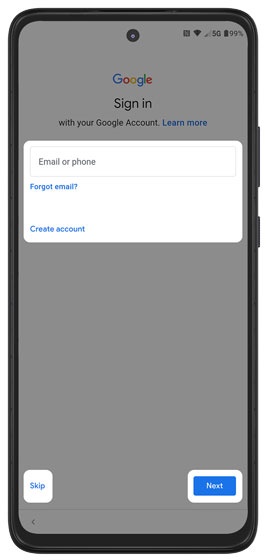
- Sign in to your existing Google™ account or create a new one then tapNext.TapSkipto add your Google account after setup is complete.
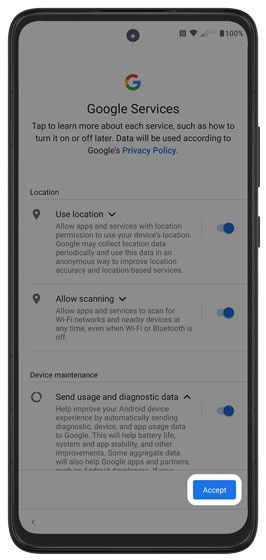
- Review the Google Services info, tap any of the switches to turn on
or off
then tap
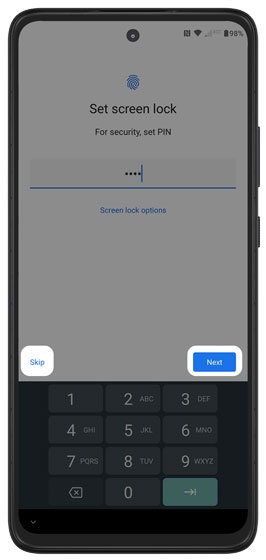
Accept(may require scrolling to the bottom). - Enter a lock code then tapNext.TapSkipto set up a screen lock after setup is complete.
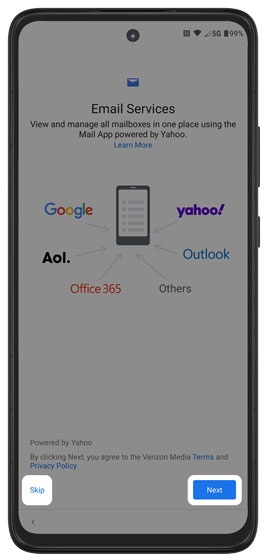
- From the 'Email Services' screen, tapNextto add an existing email account.TapSkipto add a personal / corporate email account after setup is complete.
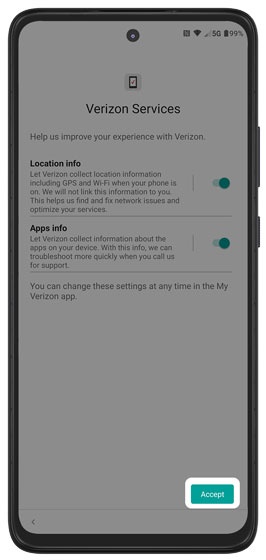
- Tap any of the switches to turn on
or off
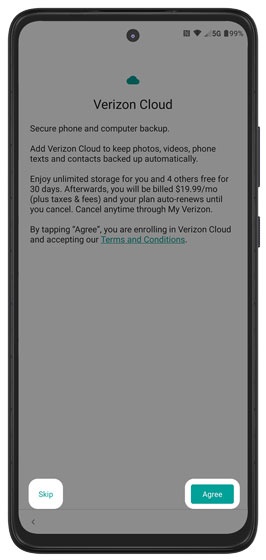
Accept. - Review the Verizon Cloud message then tapAgree.TapSkipto set up Verizon Cloud after setup is complete.
- Review the Digital Secure info, tap theswitchto turn onAccept.
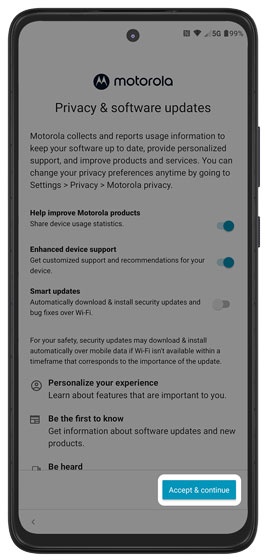
- Review the Privacy info then tapAccept and continue.
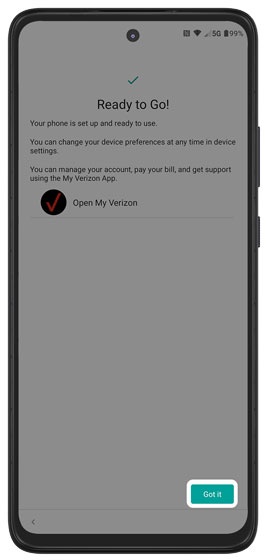
- From the 'Ready to go!' screen, tapGot itto complete setup.