Samsung Galaxy A71 5G UW - Activate / Set Up Device
Here's how to quickly set up your Galaxy A71 5G UW
For info on prepaid service activation, refer to Set up Verizon Prepaid Service.
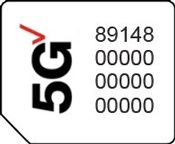
- Ensure a 5G SIM card is inserted into the device prior to powering on.To avoid potential activation / service issues, don't insert a 4G SIM card.5G Devices purchased from Verizon include a pre-installed 5G SIM card.
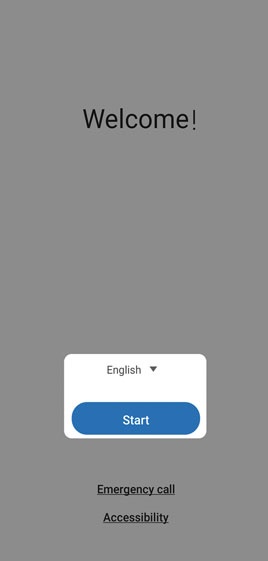
- If powered off, press and hold thePower button(upper-right edge) until the Samsung Galaxy A71 5G UW screen appears then release.
- Select the appropriate language then tapStart.
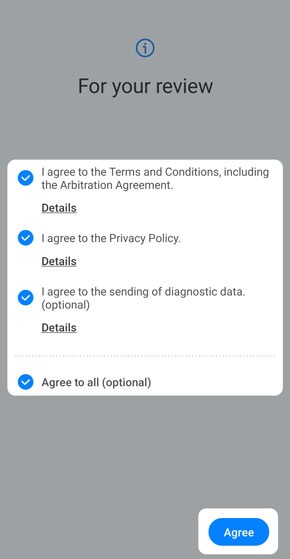
- To continue, select (check) the following then tapAgree(lower-right):Review the info before continuing.
- Terms and conditionsMust be selected to continue.
- Privacy PolicyMust be selected to continue.
- Send Diagnostic data (optional)
- Information Linking (optional)
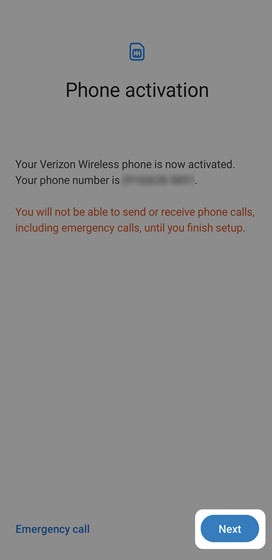
- Ensure the appropriate mobile number is listed then tapNext.If prompted, enter the account PIN then follow the onscreen prompts (see Account PIN FAQs for additional info).If activating a new phone, ensure the old phone is powered off.
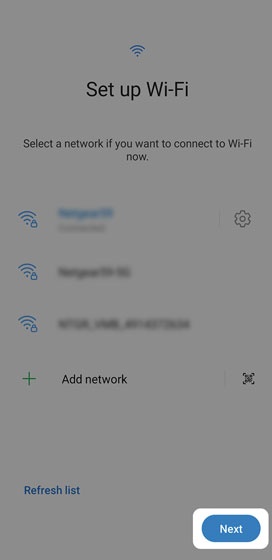
- Select a network then enter the password.TapSkipto add Wi-Fi networks after setup is complete.
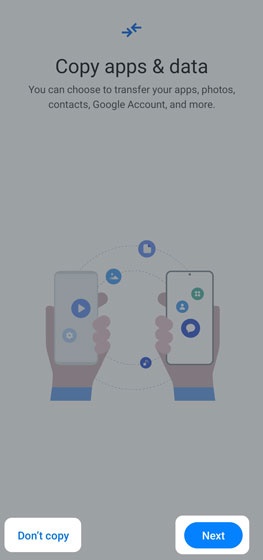
- From the 'Copy apps & data' screen, tapNext.To skip the step, tapDon't copy.If troubleshooting, choose this option and don't restore the device until all testing has been completed.
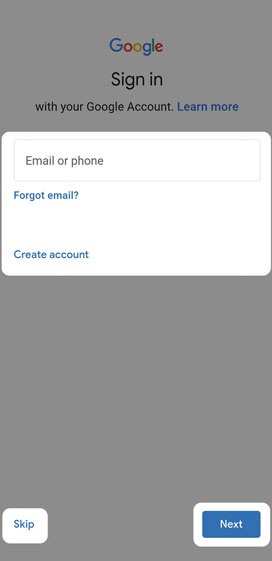
- Sign in to your existing Google™ account or create a new one.TapSkipto add your Google account after setup is complete.
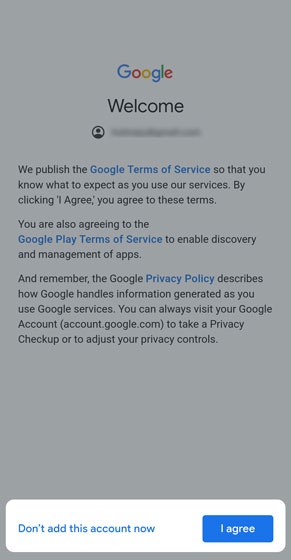
- From the 'Google Terms of Service' screen tapI agree.
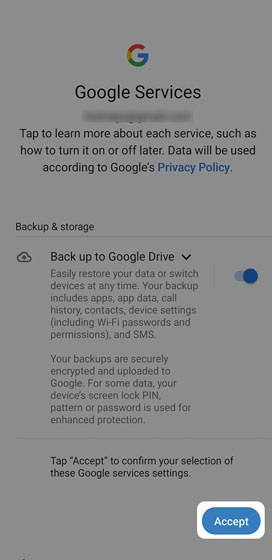
- Tap the applicable switch(es) to turn on
or off
then tap
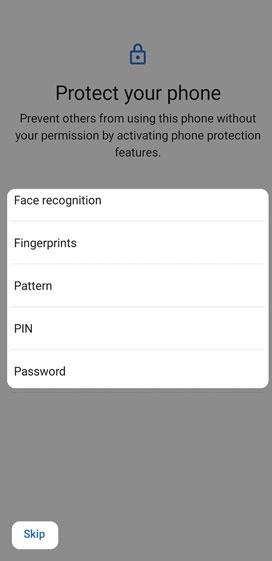
Accept(lower-right). - Select a protection option then follow the on-screen prompts.
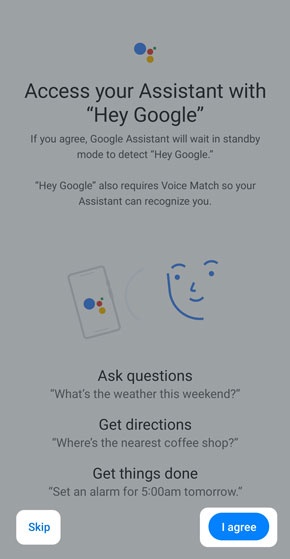
- From the 'Hey Google' screen, tapI agreeto set up Voice Match.TapSkipto bypass this step.
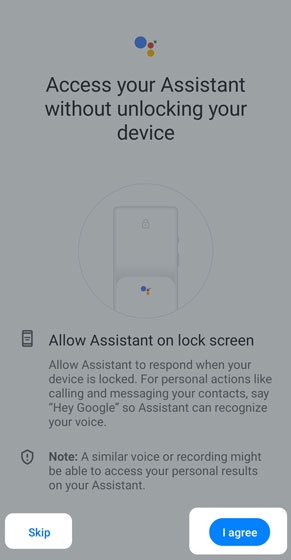
- From the ‘Access your Assistant without unlocking your device’ screen, tapI agree.TapSkipto bypass this step.
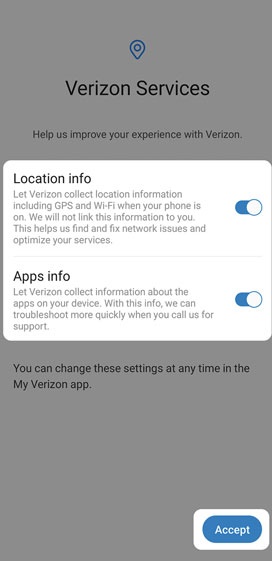
- Tap the applicable switch(es) to turn the available options (e.g., Location info, Apps info) on or off then tapAccept.
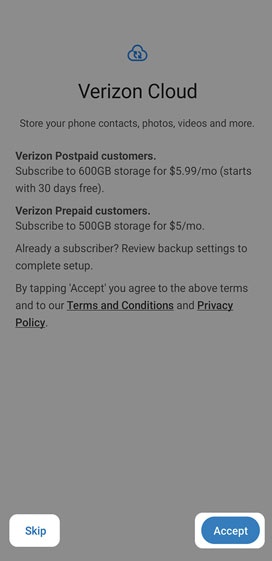
- Review the info then tapAccept.TapSkipto set up Verizon Cloud after setup is complete.
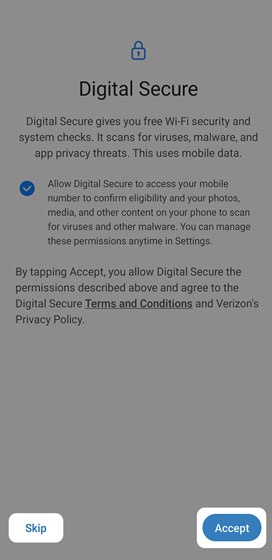
- From the 'Digital Secure' screen, review the info then tapAccept.TapSkipto bypass this step and set up Digital Secure later.
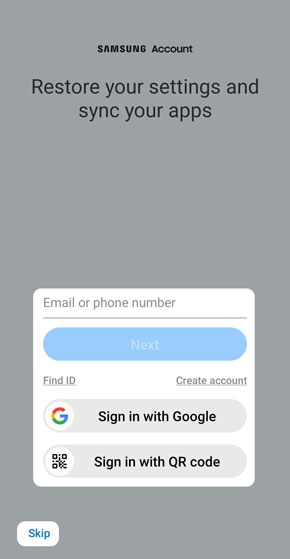
- Sign into your existing account or create a new Samsung account.TapSkipto add a Samsung account after setup is complete.
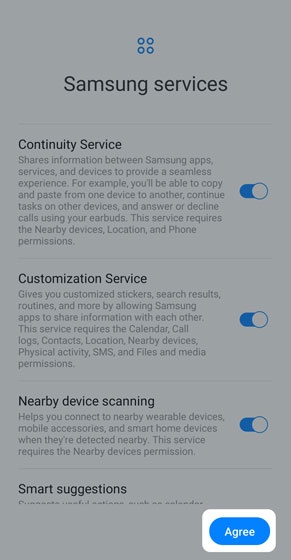
- From the 'Samsung services' screen, select the desired options to turn on
or off
then tap
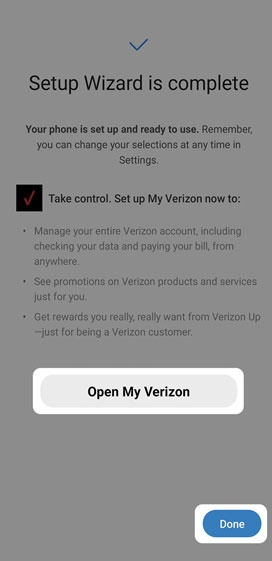
Agree. - From the 'Setup Wizard is complete' screen, tapOpen My Verizonto set up the My Verizon app.TapDoneto exit the Setup Wizard and set up the My Verizon app later.