Care Smart watch - Call a Number
Here's how to make and end a call on your Care Smart watch.
If you need to place a call from your Care Smart watch, follow these step-by-step instructions.
- Your Care Smart watch can only make and receive calls from phone numbers added to the Contact List by an administrator. Refer to Care Smart app - Add a Contact for instructions.
- To use one-button emergency contact calling, hold down the arrow button on the front of the watch for 4 seconds and the watch will call one preset contact.
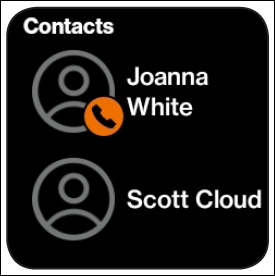
- Swipe left from the main screen to access the 'Contacts' screen.
- Tap the contact you want to call.
- Press theCall icon
.
Press theEnd Call iconto end the call.