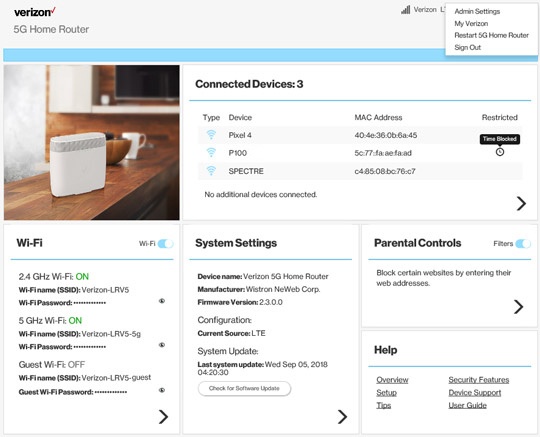
5G Home Router - Backup / Restore Current Configuration
Here's how to back up and restore the current configuration for the 5G Home Router.
- This content is for 5G Home Internet. Here's info on Fios Home Internet.
- 5G Home Internet service is currently offered in specific areas. Here's how to check for 5G coverage availability.
Here's how to back up and / or restore the current configuration of the 5G Home Router in case you need to restore settings to factory defaultfor troubleshooting purposes. Backing up allows settings, like Wi-Fi connected devices, to be automatically reconnected after settings are restored.
Backup
- Sign in to the Admin WebGUI.You must be connected to the 5G Home Internet network to access the admin page.
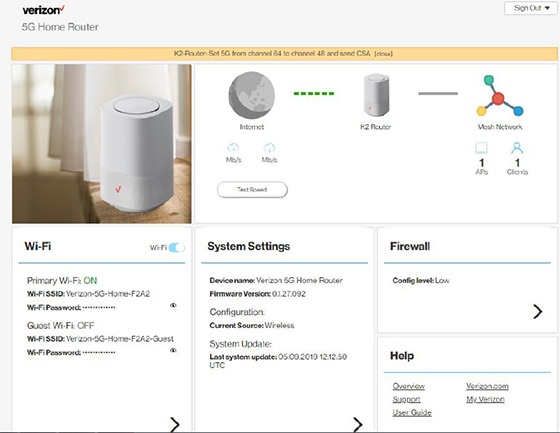
- From the Router Home screen, clickSystem Settings.
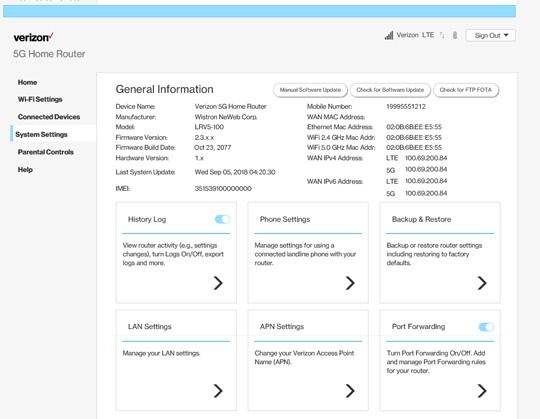
- From the General Information screen, clickBackup & Restore.
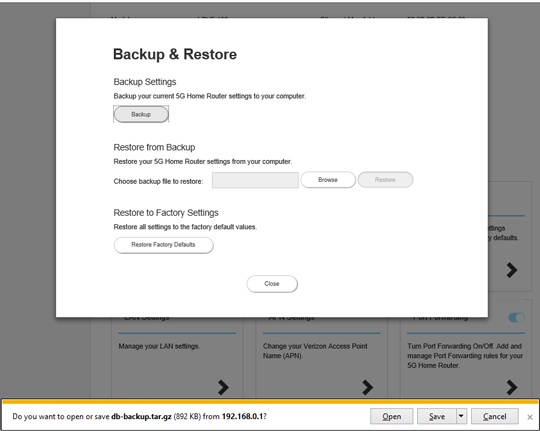
- From Backup & Restore, clickBackup.
- Save the 'db-backup.tar.gz' file to a known location.
Restore
- Sign in to the Admin WebGUI.You must be connected to the 5G Home Internet network to access the admin page.
- From the Router Home screen, clickSystem Settings.
- From the General Information screen, clickBackup & Restore.
- From Backup & Restore, clickBrowse.
- Browse, locate and select the 'db-backup.tar.gz' file then clickRestore.
- If prompted, clickYesto confirm.The message 'Rebooting your router...' displays for several minutes until the process is complete.