Health App - Apple® iPhone® - View Dashboard Info
Here's how to access Dashboard info e.g., calendar, health data, etc.) for the Health app on your iPhone.
The Health app gives an easy-to-read dashboard of your health and fitness data.
The Health app requires iOS 8 or later on an iPhone 4S or later.
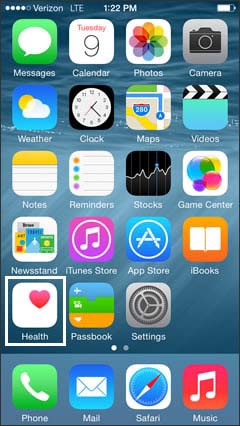
- From the Home screen, tapHealth.
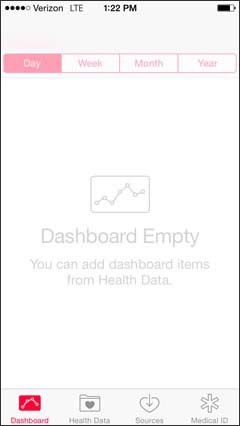
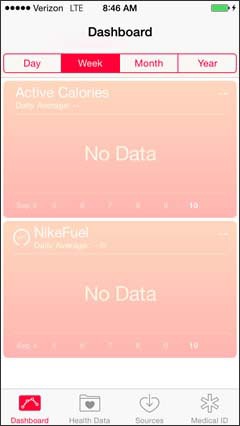
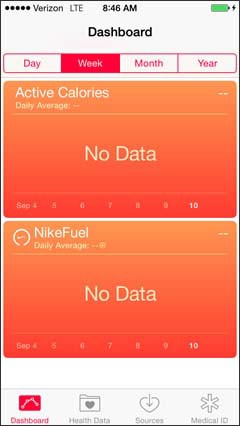
- TapDashboard.
- Tap the calendar view option:
- Day
- Week
- Month
- Year
- Select the Health Data.For assistance adding health data to the dashboard refer to Add Data to Dashboard.
For additional info, refer to Apple article: Use Health on your iPhone or iPod touch.