Health App - Apple® iPhone® - Add Health Data to Dashboard
Here's how to add health data (e.g., steps, workouts, etc.) to the dashboard of the Health app on your iPhone.
The Health app gives an easy-to-read dashboard of your health and fitness data.
The Health app requires iOS 8 or later on an iPhone 4S or later.
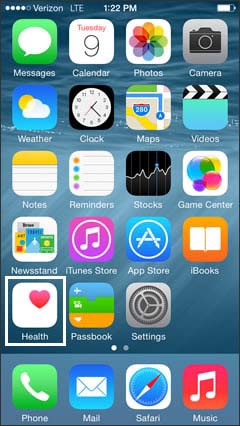
- From the Home screen, tapHealth.
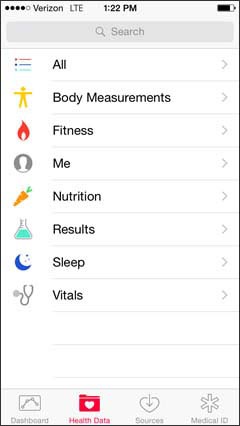
- TapHealth Data.
- Select the health data type (e.g. Body Measurements, Fitness, Nutrition, etc.).
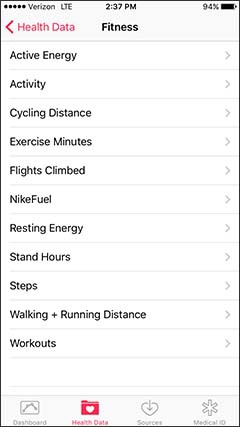
- Select the health data (e.g., Fitness: Active Energy, Steps, Workouts, etc.).
- Tap theShow on Dashboard switchto turn on
or off
.
The selected health data displays on the dashboard if the switch is on.


For additional info, refer to Apple article: Use Health on your iPhone or iPod touch.