Push to Talk Plus - Delete a Contact
Here's how to delete a Push to Talk Plus contact.
- Ensure the PTT+ app has been updated to the most recent version for Android™ or iOS.
- The corporate admin has the ability to restrict the creation of personal contacts. Please contact the admin for more info.
- From a Home screen, tap thePush To Talk+app or navigate: .
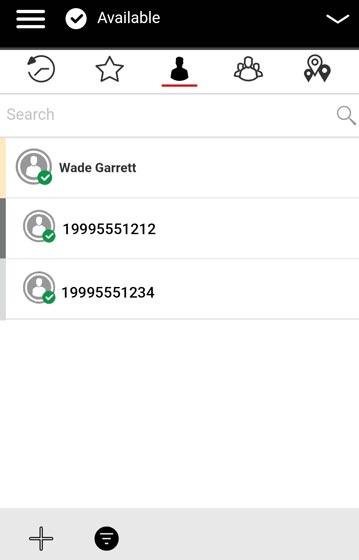
- From the Contacts tab, tap and hold the appropriate contact then tapDelete Contact.
- From the Confirm prompt, tapYes.