Push to Talk Plus - Edit a Contact
Here's how to edit a Push to Talk Plus contact.
- Ensure the PTT+ app has been updated to the most recent version for Android® or iOS.
- Admin-managed (non-personal) contacts can't be edited from within the Push To Talk Plus app.
- An existing contact number can't be edited. To change a contact number, the contact must be deleted then added back with a new number.
- From a Home screen, tap thePush To Talk+
app or navigate: .
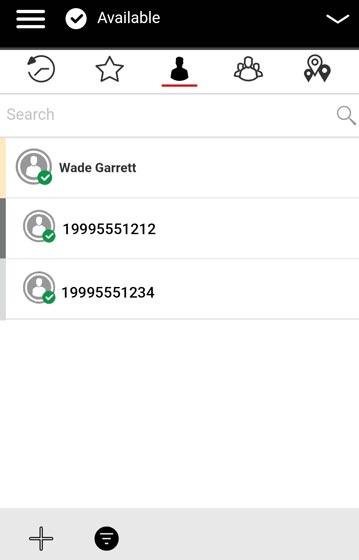
- From the Contacts tab, tap and hold the appropriate contact then tapContact Details.
- From Contact Details, do any of the following then tap theSave icon
:
- To edit the contact name:
- Tap theName field.
- Enter the appropriate name.
- To edit the Contact color:
- TapColorthen select a color from the list.
- To edit the Contact avatar:
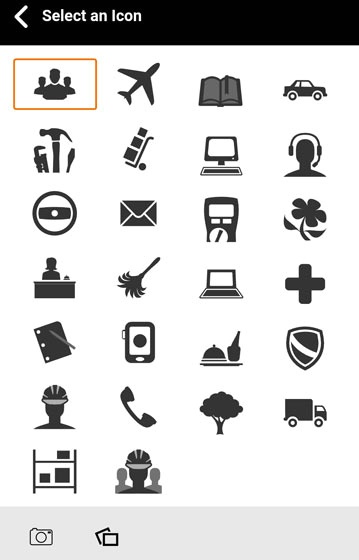
- Tap theDefault icon(in the upper left) then select an avatar from the list.Alternately, tap the Camera or Gallery icons to take or select a photo to use as an avatar.