Verizon Cloud - Website - View Storage Meter / Upgrade Memory
Here's how to increase or check your Verizon Cloud storage space via the Cloud website.
- From a web browser on a computer, sign in to My Verizon.
- Navigate: .
- From the 'Verizon Cloud' section, clickManage.
- ClickAccess Verizon Cloud.
- From the 'How to access Verizon Cloud' page, clickVerizon Cloud web portal(in the 'Access my Cloud' section).
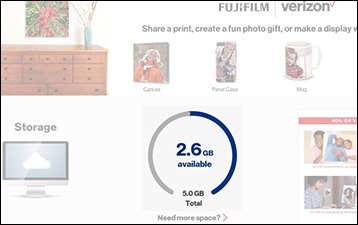
- From the 'My Cloud' page, view the amount of storage used.May require scrolling.
- To change the amount of storage space:
- ClickSettings.Only the Account Owner or Manager with full access privileges can upgrade storage.
- Select a plan by clickingUpgrade Nowunder the desired plan.Available options may vary depending on your account type.
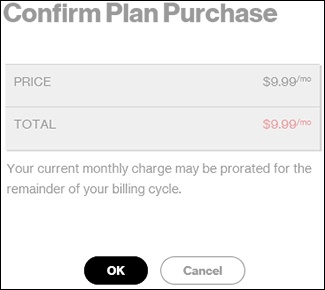
- Confirm the selection then clickOK.
- ClickOK.