Verizon Cloud - Website - Share Media
Here's how to share your content from the Verizon Cloud website using a computer web browser.
- From a web browser on a computer, sign in to My Verizon.
- Navigate: .
- From the 'Verizon Cloud' section, clickManage.
- ClickAccess Verizon Cloud.
- From the 'How to access Verizon Cloud' page, clickVerizon Cloud web portal(in the 'Access my Cloud' section).
- Click the appropriate tab:
- Photos & Videos
- Music
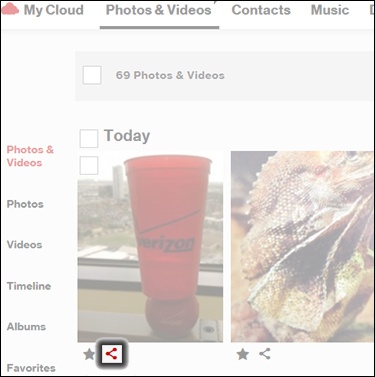
- Navigate to the desired media then click theShare icon.
- Click an option then follow the on-screen prompts.
- Share By Email
- Share On Facebook
- Share On Google+
- Share On Twitter