Verizon Jetpack® 4G LTE Mobile Hotspot MiFi® 5510L - Delete Messages
To delete texts for the Verizon Jetpack - MiFi 5510L, see this info.
Delete via the Admin Web Interface
- Access the Admin Web Interface.
- From the left menu, clickMessages.
- ClickDelete Message(
located to the right of the corresponding message).
To delete all messages, clickDelete All Messages(located in the lower-right) then clickConfirm.
Delete via device
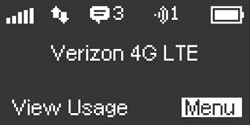
- From the home screen, selectMenu.Utilize the Scroll buttons to highlight and the Select button to select.
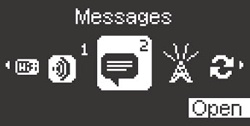
- Highlight "Messages" then selectOpen.
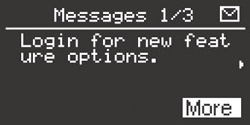
- From the appropriate message, selectMore.Repeat as necessary until the entire has been displayed.
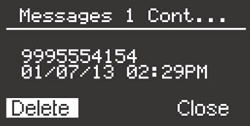
- Highlight then selectDelete.
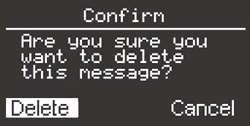
- From the confirmation screen, highlight then selectDelete.