Apple iPad - Sign Out of Apple ID
Here's how to remove your Apple ID from your iPad.
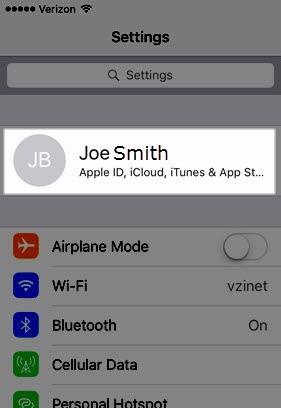
- From a Home screen on your Apple® iPad®, tapSettings
.
- Tap yourApple profile(along the top).
- In the right column, tapSign Out.
- Enter the Apple ID password then tapTurn Off.
- To keep a copy of data, tap the desired switches to turn on
or off
.
- To confirm, tapSign Out.If necessary, refer to Sign In to Apple ID.