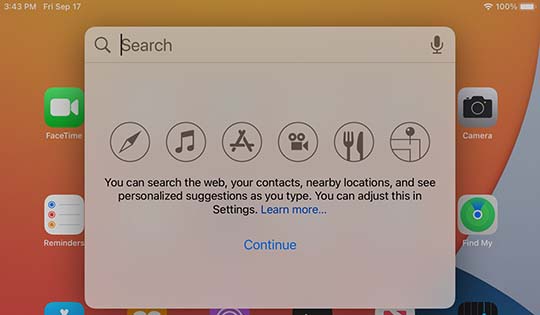
Apple iPad - Spotlight Search
Here's how to quickly search for contacts, email and other content on your iPad.
Spotlight Search on your Apple® iPad® is used to search for contacts, email, messages, calendars, etc.
- Swipe down from the middle of the Home Screen.If unavailable, from a Home screen, swipe to the right to access Spotlight Search.
- From the 'Search' field (at the top), enter the search text.As the text is entered, a list of matching results may appear and can be selected at any time.
- If necessary, tapSearch(lower-right).