Session status messages
Session Status

Due to inactivity, your session will end in approximately 2 minutes. Extend your session by clicking OK below.

Due to inactivity, your session has expired. Please sign in again to continue.

Apple iPad - Reset Cellular Data Account

2026-10-22 18:04:54.707

Apple iPad - Reset Cellular Data Account

Here's how to reset your iPad's cellular data account if you are having connectivity or billing issues.
To determine the software version for your Apple® iPad®, refer to View Software Version.

Device Software Version iOS 6

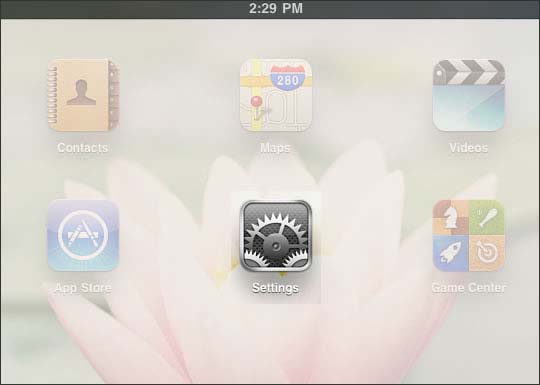
  1. From the Home screen, select
    Settings
    .
    Settings
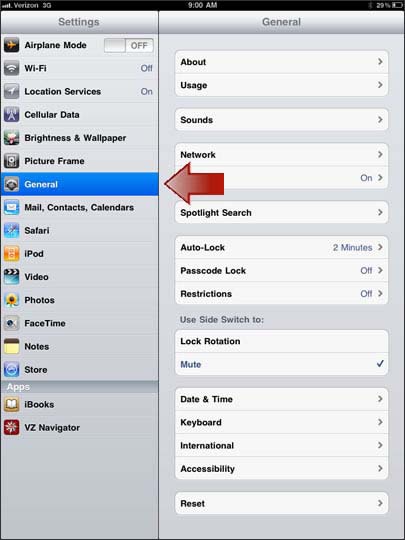
  2. Select
    General
    .
    General
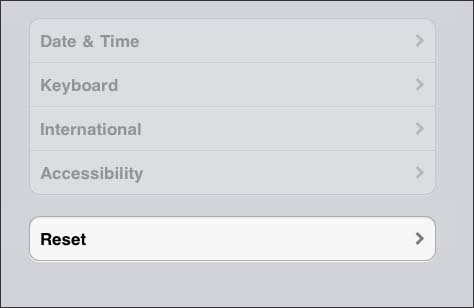
  3. Select
    Reset
    .
    Reset
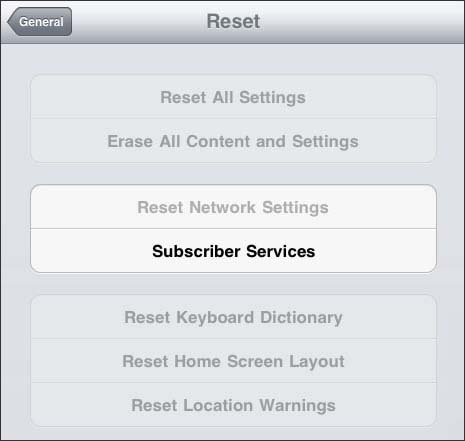
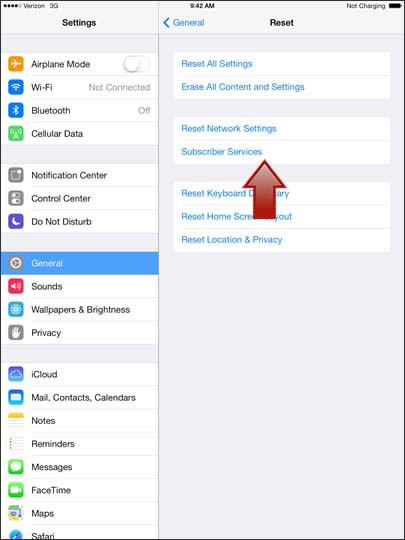
  4. Select
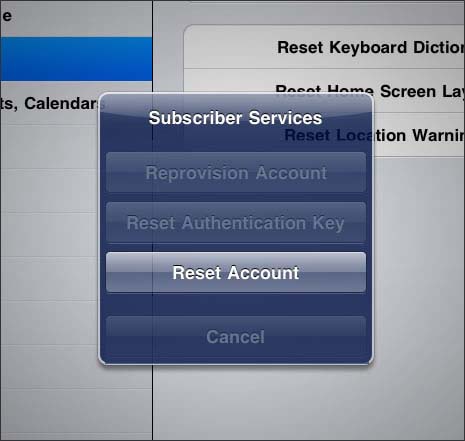
    Subscriber Services
    .
    Subscriber Services
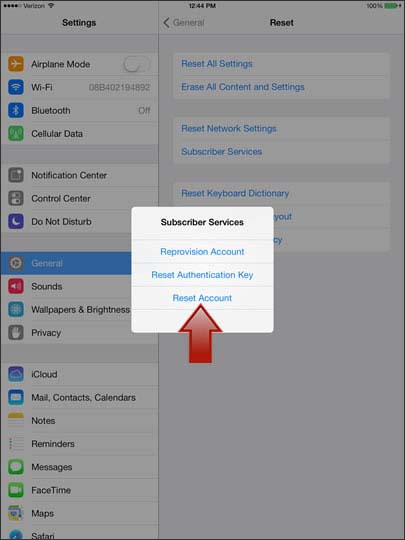
  5. Select
    Reset Account
    .
    Reset Account

Device Software Version iOS 7

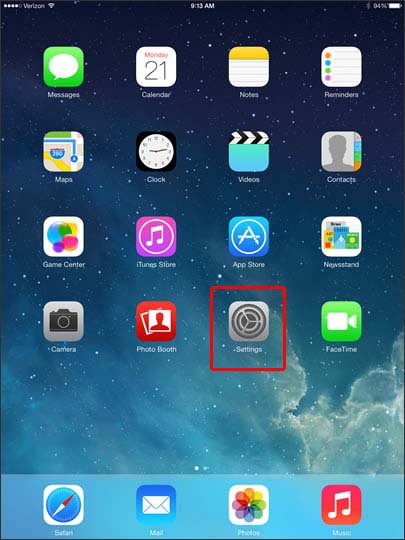
  1. From the home screen, select
    Settings
    .
    Settings
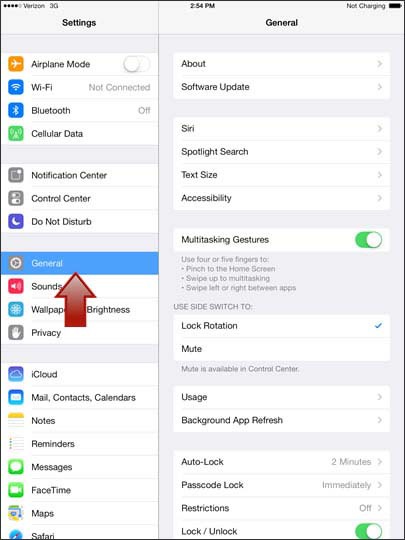
  2. Select
    General
    .
    General
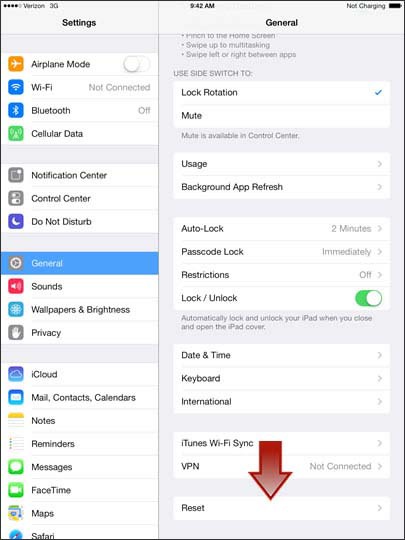
  3. Select
    Reset
    .
    Reset
  4. Select
    Subscriber Services
    .
    Reset Subscriber Services
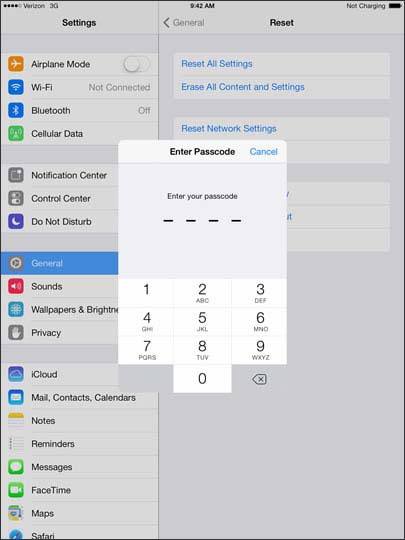
  5. If prompted, enter the 4-digit passcode.
  6. Select
    Reset Account
    .
    Reset Account
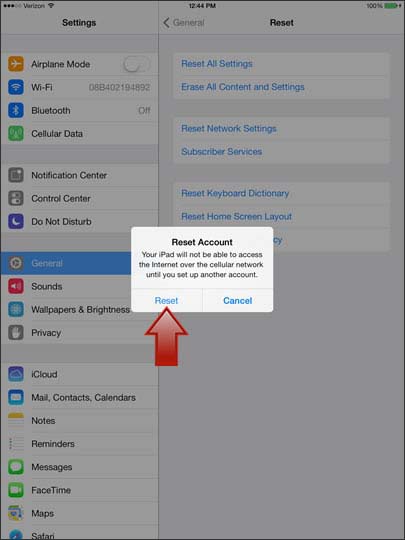
  7. Select
    Reset
    .
    Reset