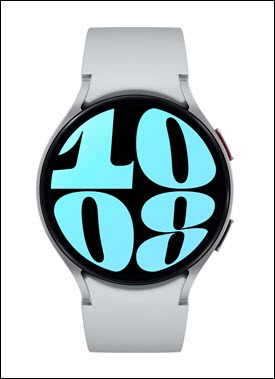
Samsung Galaxy Watch6 / Galaxy Watch6 Classic - Turn TalkBack On / Off
Here's how to turnTalkBack (screen reader) for your Galaxy Watch6 / Galaxy Watch6 Classic on or off.
TalkBack is a screen reader primarily for people with blindness and low vision. It allows interaction with the device using spoken feedback.
- From the watch screen, swipe up to open the apps screen.
- Tap theSettings icon
.
- TapAccessibility.
- TapTalkBack.
- Tap theTalkBack switchto turn it on
or off
.
- Tap theCheckmark icon
to confirm.