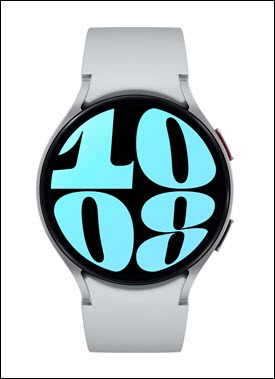
Samsung Galaxy Watch6 / Galaxy Watch6 Classic - Check Device Storage
Here's how to free up space if your Galaxy Watch6 / Galaxy Watch6 Classic runs slowly or crashes / resets or apps freeze when running them.
From your Android™ smartphone, ensure your Galaxy Watch6 / Galaxy Watch6 Classic software is up to date as the steps below apply to the most recent version.
- From the watch screen, swipe up to open the apps screen.
- Tap theSettings icon
.
- TapBattery and device care.
- From the Storage section, view the available storage.
- To manage Storage permissions:
- TapStorage.
- TapPermissions.
- Tap any of the following then choose 'Allow' or 'Don't allow':
- Music and audio
- Photos and video
If the device memory is full, you can uninstall apps or remove other unused items from the watch.