KYOCERA DuraForce PRO 3 - Vibrate Mode
Here's how to turn vibrate mode for your DuraForce PRO 3 on or off.
- From a Home screen, swipe up to display all apps.
- Navigate:.SettingsSound & vibration
- Slide theRing & notification volumebar to the left until theVibrate icon
appears.

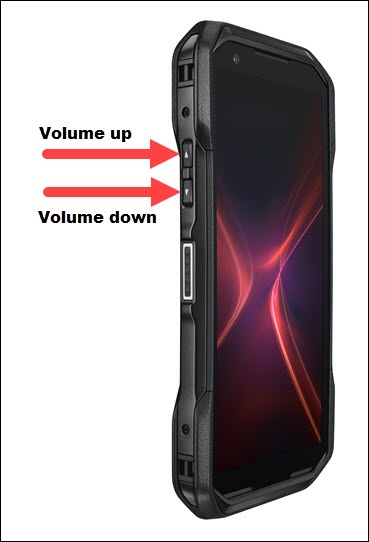
You can also activate Vibrate mode by pressing one of the
Volume buttons
(on the left edge), tap the Ring icon 
then tap the Vibrate icon
appears.