Activate / Set Up Device - KYOCERA DuraXV Extreme+
Here's how to quickly set up your DuraXV Extreme+.
- Select a language option then selectSet.Utilize the 5-way navigation pad to highlight and the center button to select.
- English
- Spanish
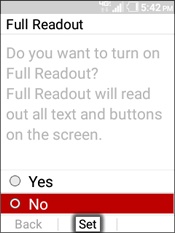
- On the 'Full Readout' screen, select an option then selectSet.
- Yes
- No
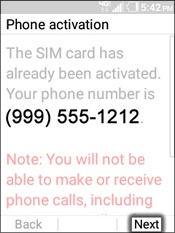
- On the 'Phone activation' screen, Verify the 10-digit mobile phone number then press theright soft key
to choose Next.
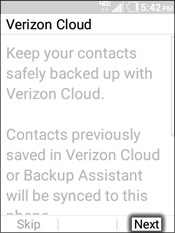
- On the 'Verizon Cloud' screen, press theright soft keyto choose Next to restore your contacts.
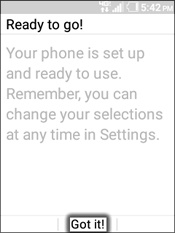
- On the 'Ready to go' screen, selectGot it!