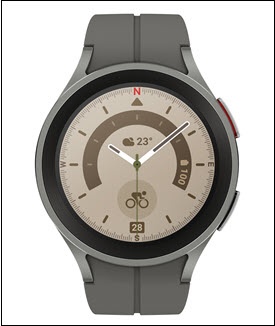
Samsung Galaxy Watch5 / Galaxy Watch5 Pro - View SIM Card Number
Here's how to view the SIM card number associated with your Galaxy Watch5 / Galaxy Watch5 Pro.
From your Android™ smartphone, ensure your Galaxy Watch5 / Galaxy Watch5 Pro software is up to date as the steps below apply to the most recent version.
- From the watch screen, swipe up to open the apps screen.
- Tap theSettings icon
.
- TapAbout watch.
- TapStatus info.
- View the ICCID (SIM card number).The ICCID is only available if activated using Number Share.