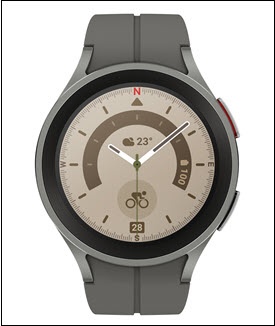
Samsung Galaxy Watch5 / Galaxy Watch5 Pro - Enable / Disable / Modify Screen Lock
Here's how to set up, change or disable the screen lock option (e.g., PIN, pattern, etc.) for your Galaxy Watch5 / Galaxy Watch5 Pro.
From your Android™ smartphone, ensure your Galaxy Watch5 / Galaxy Watch5 Pro software is up to date as the steps below apply to the most recent version.
- From the watch screen, swipe up to open the apps screen.
- Navigate:.SettingsSecurity and privacyLock typeIf prompted, enter the current PIN or pattern.
- Do one of the following:
- Set up or modify a pattern:
- TapPattern.
- Draw the desired pattern.
- Re-draw the pattern to confirm.
- Set up or modify a PIN:
- TapPIN.
- If preferred, tap (check)Unlock without tap after PIN entered.
- Enter a numeric 4-digit PIN.
- Tap theRight arrow icon
.
- Re-enter the numeric PIN.
- Tap thecheckmark iconto confirm.
- To disable the screen lock, tapNone.