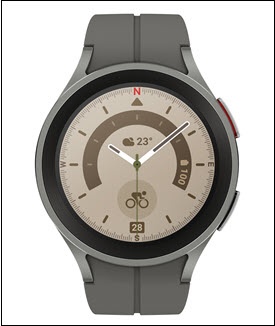
Samsung Galaxy Watch5 / Galaxy Watch5 Pro - Factory Data Reset (Powered On)
Here's how to factory / hard reset your Galaxy Watch5 / Galaxy Watch5 Pro if the screen freezes or call, app, audio or sync issues occur.
Perform a factory data reset only if necessary as it removes all data including system data, app data and media.
- From the watch screen, swipe up to open the apps screen.An alternate reset method is available if the device can't be powered on and is unresponsive.
- Tap theSettings icon
.
- TapGeneral.
- TapReset.
- Review the message regarding mobile plans then tap one of the following:
- Remove all mobile plans
- Next
- TapResetto confirm.If needed, set up your device.