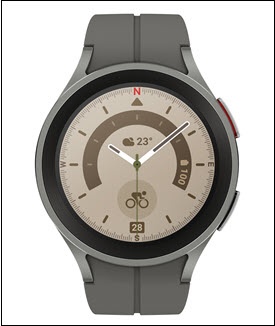
Samsung Galaxy Watch5 / Galaxy Watch5 Pro - View Software Version
Here's how to view the software version your Galaxy Watch5 / Galaxy Watch5 Pro is running.
Check the Software Updates page to see if your device's most recent software version is listed.
- From the watch screen, swipe up to open the apps screen.
- Tap theSettings icon
.
- TapAbout watch.
- TapSoftware information.
- View the 'Software version'.To verify the device has the latest software version, refer to Install Device Software Updates.