Samsung Galaxy S21 FE 5G View / Restrict Data Usage by App
Samsung Galaxy S21 FE 5G
View / Restrict Data Usage by AppApps use data differently, sometimes more than you expect. Follow these steps to control which apps on your Galaxy S21 FE 5G are allowed to use data in the background.
Before you begin
Some apps need background data. Restricting data may cause them not to work without a Wi-Fi connection.
Open the 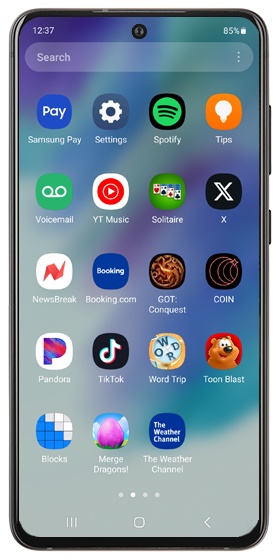
Settings app
.Next
Navigate: .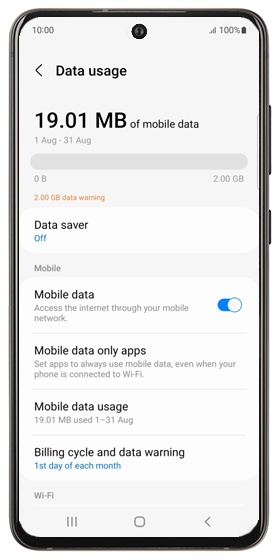
Next
Select an app below the usage graph then view the usage.
To restrict the app from using data in the background, tap the 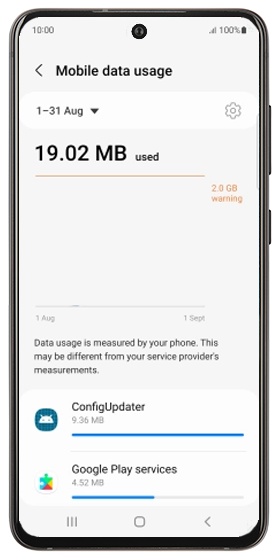
Allow background data usage switch
to turn off.Next