Samsung Galaxy S21 FE 5G - Insert / Remove SIM Card
Here's how to properly insert or remove a SIM card for your Galaxy S21 FE 5G.
Don't attempt to insert or remove the SIM card while the device is powered on. Doing so may harm the SIM card and/or the device.
- Ensure the device is powered off.Press and hold thePower ButtonandVolume down button(right edge) until the 'Power off' prompt appears then release.
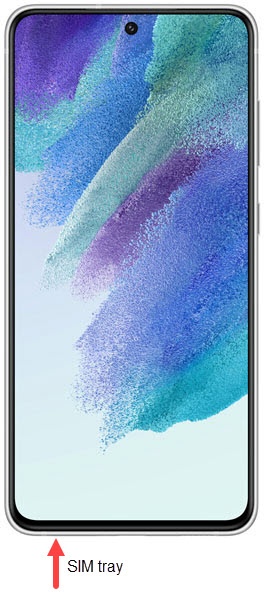
- From the bottom left edge of the device (display facing up), remove the card tray.Utilize the insertion / removal tool (or a paperclip) to unlock the tray by inserting it into the provided slot then remove the card tray.
- Do one of the following:
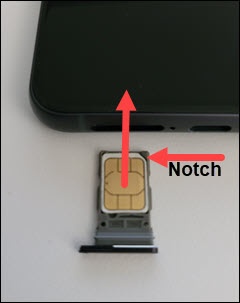
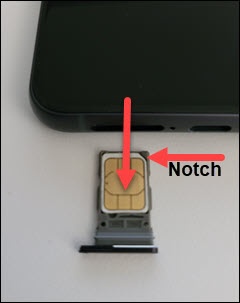
- Insert SIM cardInsert the SIM card into the tray (gold contacts facing up). Ensure the card fits into place.
- Remove SIM cardOnce the tray is removed, lift the SIM card from the tray.
- Reinsert the card tray then press it into place.