Windows 11 - Manage Apps
Here's how to open or close apps on your Windows 11 device.
If your device isn't running Windows® 11, refer to the Windows 10 instructions.
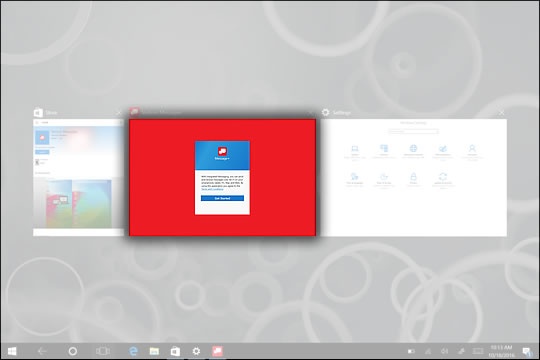
- From the Home screen, tap theOpen apps iconto display apps that are currently open.
- From the Open apps screen, tap or click an app to start using that app.
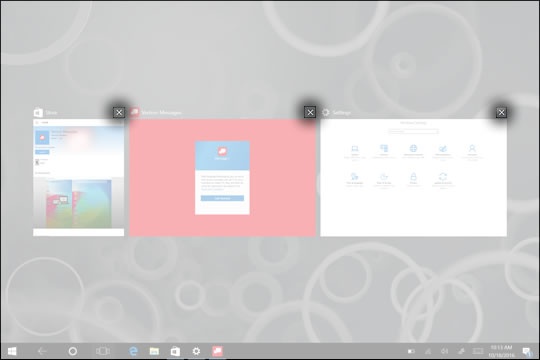
- To close an app, tap or click the "X" located in the upper-right corner just above the app..