TCL FLIP Pro - Turn Data On / Off
Here's how to turn the mobile data for your FLIP Pro on or off.
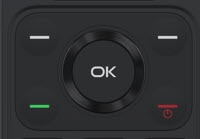
- From the main screen, press theOK button.Utilize the 5-way navigation pad to highlight and the OK button to select.
- SelectSettings.
- SelectCellular Network & Data.
- SelectData Connection.
- Highlightand select and option:
- On
- Off