TCL FLIP Pro - Network Mode Settings
View this info on Network Mode Settings if you're having issues with calls, messages or data services on your FLIP Pro.
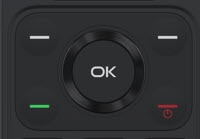
- From the main screen, press theOK button.Utilize the 5-way navigation pad to highlight and the OK button to select.
- SelectSettings.
- SelectCellular Network & Data.
- SelectCarrier.
- SelectAutomaticthen select an option:
- On
- Off