TCL FLIP Pro - Delete Paired Bluetooth Connection
Here's how to delete paired Bluetooth devices from your FLIP Pro.
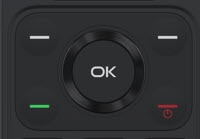
- From the main screen, press theOK button.Utilize the 5-way navigation pad to highlight and the OK button to select.
- SelectSettings.
- SelectBluetooth.
- SelectPaired Devices.
- Select the desired Bluetooth® 'paired device' to remove.
- Press theright soft key
to select Forget.
- From the 'Forget this Device' screen, selectForget.