Smart Wrist by Orbic - Turn GPS Location On / Off
Here's how to turn the GPS location services for your Smart Wrist on or off.
Satellite or standalone GPS services require more power and have a greater effect on battery life.
Ensure the software on your Smart Wrist™ by Orbic® is up to date as the steps below apply to the most recent version.
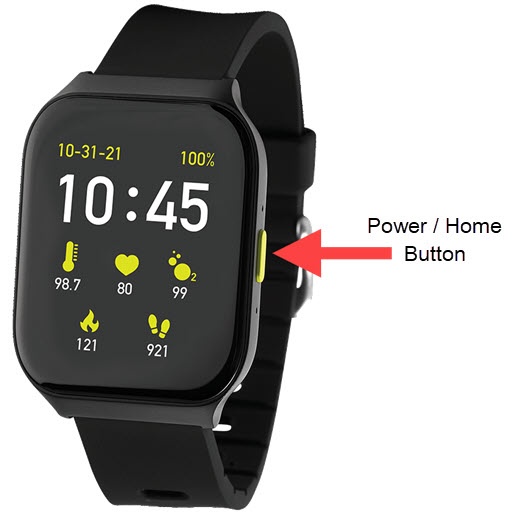
- From the watch screen, press thePower / Home buttonto open the apps screen.
- Tap theSettings icon
.
- TapSecurity.
- Tap theLocation Service switchto turn on
or off
.