Smart Wrist by Orbic - Add a Wi-Fi Network
Here's how to connect your Smart Wrist to a Wi-Fi network.
Ensure the software on your Smart Wrist™ by Orbic® is up to date as the steps below apply to the most recent version.
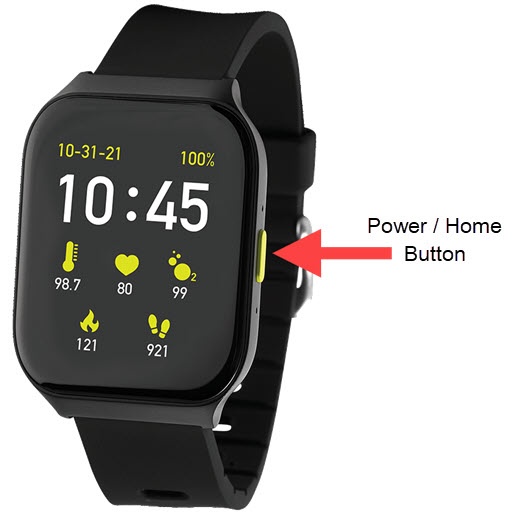
- From the watch screen, press thePower / Home buttonto open the apps screen.
- Tap theSettings icon
.
- TapWi-Fi.
- EnsureWi-Fiis turned on
.
- Tap the desired available Wi-Fi connection.
- Tap one of the following:
- Type on the PhoneIf this option is selected, open the Orbic Wear app on your smartphone and when prompted enter the Wi-Fi password, then tapOKto connect.
- Type on the Watch
- Enter the Password (if required) on the digital keyboard on the watch then tap theDone icon
(lower-right).
- TapConnect.