Cancel Google Play Pass Subscription - My Verizon Website
Here's how to cancel your Google Play Pass subscription via the My Verizon website.
Only the Account Owner or Manager can perform these steps; here's additional info on account roles.
- From a web browser, sign in to My Verizon.
- From the My Verizon Home page, navigate: .If accessing from a mobile browser, select theMenu icon
(upper-right) then navigate: .
- Select Services & perks overview.
- From the 'Manage Services & Perks' section, select theMore icon
in the 'Google Play Pass' section.
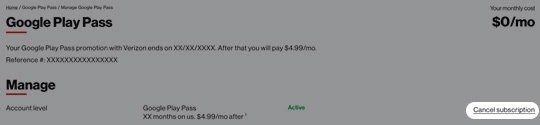
If necessary, selectSee Allfrom the 'Manage Services & Perks' section then from the 'Google Play Pass' section, selectManage. - From the 'Manage' section, selectCancel subscription.
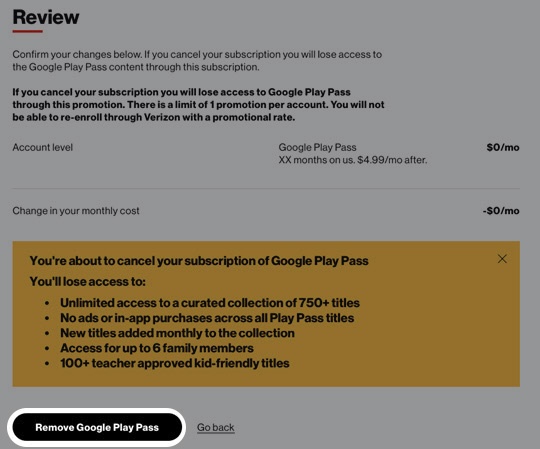
- To proceed, review the message then selectRemove Google Play Pass.It may take up to 24 hours for these changes to take effect.