Apple iPhone - How to Use the MagSafe Charger
View this info to help safely charge your iPhone with the MagSafe Charger.
- Before you place your Apple® iPhone® on the MagSafe® Charger, make sure that no objects like credit cards, security badges, passports, hotel keys, or debris are between them because this might damage the magnetic strip. For additional support, visit this Apple Support Page.
- If your device has an iPhone Leather Wallet, a metal, or a thick case, remove it. Keeping a leather case while charging might cause a circular imprint from the contact.
- The MagSafe Charger is designed to work with all iPhone 12 and newer.
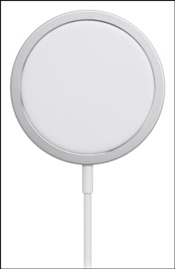
- Place the MagSafe Charger face up on a flat surface, clear of any metal objects or foreign material.
- Connect the USB-C connector on the MagSafe Charger to an Apple USB-C power adapter.The MagSafe Charger needs a power adapter of at least 12 watts. For quicker charging, use a 20-watt adapter or greater.
- Place your iPhone on the MagSafe Charger with the display facing up.Remove any objects between the device and the charger.
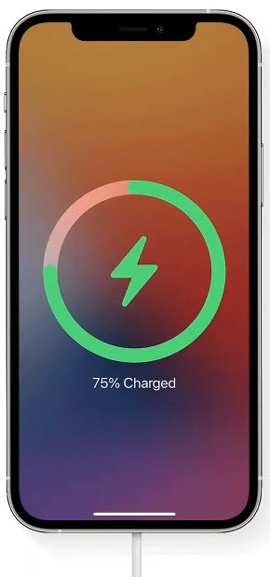
- When your iPhone starts to charge, the charging indicator is displayed on the screen.Your iPhone or MagSafe Charger might get slightly warmer while your iPhone charges.Your iPhone won't charge wirelessly when simultaneously connected to power via the Lightning port.
For additional info, visit this Apple Support page.