GizmoWatch Disney Edition - View Device ID
Here's how to find the IMEI on your GizmoWatch Disney Edition.
View Device ID in Settings on GizmoWatch Disney Edition
- From the Home screen, swipe left then tap theSettings icon
.
- Swipe left to view IMEI.
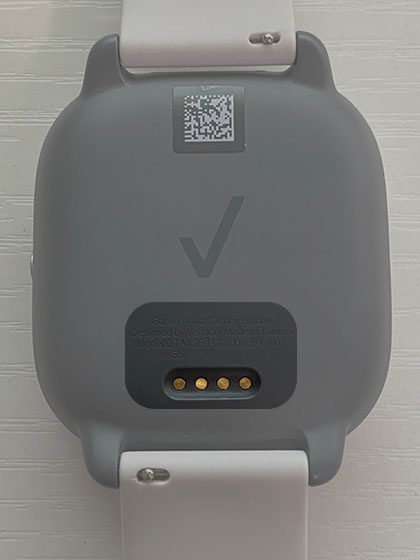
View Device ID on back of GizmoWatch Disney Edition
- The IMEI is located on the back of the GizmoWatch Disney Edition.If the IMEI can't be viewed from the device, refer to My Verizon Website - View Device Info.