Session status messages
Session Status

Due to inactivity, your session will end in approximately 2 minutes. Extend your session by clicking OK below.

Due to inactivity, your session has expired. Please sign in again to continue.

TCL TAB 8" - Vibrate Mode

2026-10-22 21:07:17.033

TCL TAB 8" - Vibrate Mode

Here's how to turn vibrate mode for your TCL TAB 8 on or off.
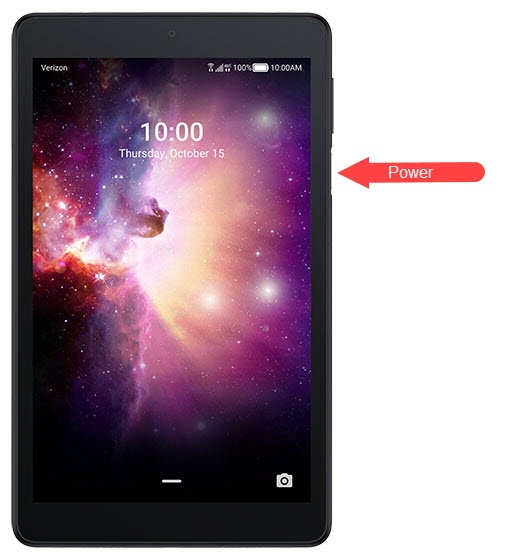
  1. If necessary, press the
    Power button
    to wake the display.
    Power button
  2. Press the
    Volume down button
    (on the right edge).
  3. Tap the
    Ring volume icon
    Ring volume icon until the Vibrate icon appears Vibration icon.