Kazuna eTalk MYFLIX - Restart Device
Here's how to restart your eTalk MYFLIX if it crashes and resets, freezes or runs slowly.
Restarting your Kazuna eTalk MYFLIX™ can help if you experience continuous resetting/rebooting, crashing, freezing, or if the touchscreen is unresponsive.
- A soft reset / restart (turning the device off then back on) is similar to restarting a desktop computer and is one of the first steps in troubleshooting a device.
- In rare cases, a restart could affect data (e.g., backup in progress, cached data, etc.).
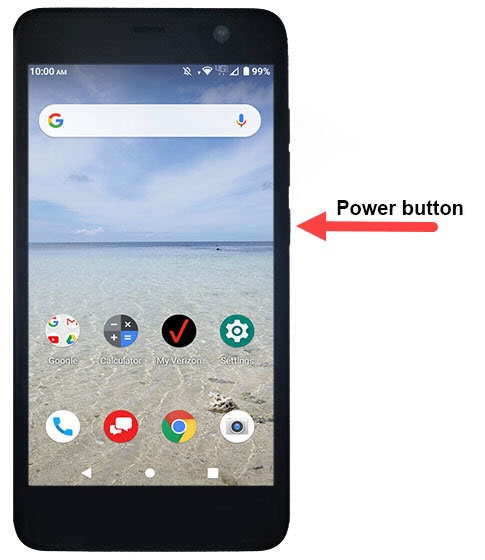
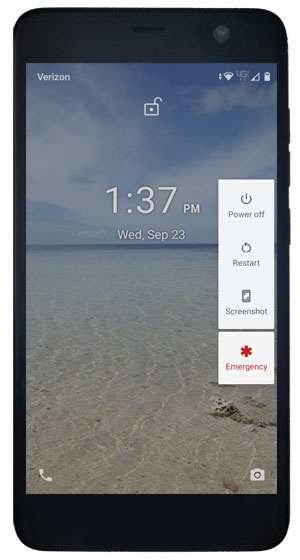
- Press and hold thePower buttonuntil the power options menu appears.
- TapRestart.If your device won't power back on, partially charge the device then retry.If unable to perform the restart, remove then re-insert the battery.